
I was invited. How do I sign in the first time?
Your invite email carries a temporary password. Sign in with it once, in the app or on the site, and you are asked to choose a password of your own. Your email address is the username.
In the app, the Account tab shows the front door. Press Sign in, type your email and press Continue, then the temporary password and Continue. On Choose a password, type it twice and press Set password.
On the site, press Sign in at the top of shabanga.com. Type your email and the temporary password and press Sign in. On Set your password, type it twice and press Set password & sign in.
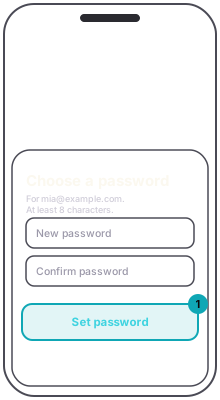
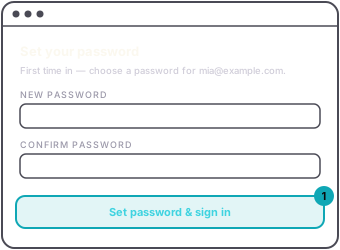
A password needs at least 8 characters, with an upper case letter, a lower case letter and a number.
If we email you a code, the screen says Check your email. Type the code from the newest email and press Sign in. Send a new code sends another, and the old one stops working.
Then you may be offered a passkey, so next time you sign in with your face or fingerprint instead of a password. Take it, or press Not now. You can add one later. See Sign in with a passkey.
Why there is no sign-up: it is invite only, so the tools stay sharp and the fees stay small. If you were not invited and want in, see How to get an organizer account.