
Artist profiles and lineups
An artist on shabanga has a page, shabanga.com/a/handle, with a photo, genres, a bio, a featured mix and a Book button. The same account can be a promoter and an artist, with one sign-in.
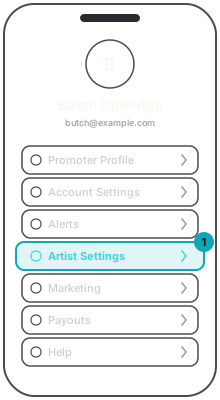
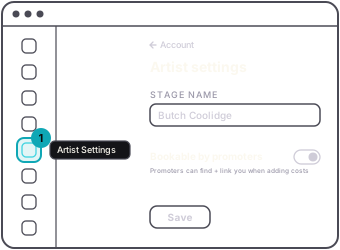
A profile is switched on for you by us. Once it is, Artist Settings is where the page is edited, in the Account tab of the app or on the dashboard. The press photo is changed in the app. The Bookable by promoters switch decides whether promoters can find you when they type a name into a production cost, and the preferred payout handle you enter is what autofills for them; promoters pay artists directly, not through shabanga.
Lineups come from costs: when a promoter names you as the payee on a production cost, the event bills you and links to your page, and your page lists the gig once that event is published and discoverable. Your rate history is private to you.