
Share the event page and print the poster code
Every published event has one address, shabanga.com/e/your-event, and that is what you share: text it, post it, put it in the bio. It opens as a web page with the flyer, the date and the tickets, and it buys without an account.
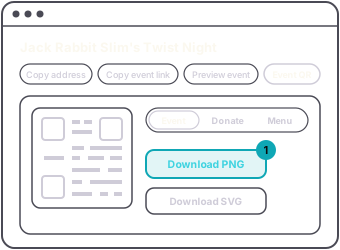
For a flyer or a poster, Event QR has up to three codes, each in its own color:
- Event opens the event page, straight to ticket sales.
- Donate opens only the donation card. Its code appears once donations are on.
- Menu opens the drinks menu, to pay on the phone and collect at the bar. Its code appears once the menu has a drink, credit or merch item on it.
The Event code always opens the page in the browser, and the page offers the app to anyone who wants it. That is on purpose: a scan should never fail because the person does not have the app.
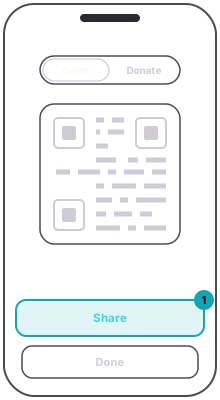
On the web, Event QR downloads the code you picked as a PNG or an SVG, ready to print. In the app, Share saves the code to your photos. If you do not allow photos, it opens the share sheet instead.
The address does not change when you edit the event, so a printed code keeps working after a date or venue change.