
A code won't scan. Search by name
Ask them to turn their screen brightness up first. A dim or cracked screen can stop a code from reading.
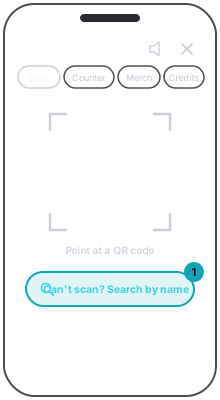
If it still will not, the scanner's door mode has a Can't scan? Search by name button. It opens the attendee list, every ticket-holder and guest pass for the night, with who is already in. Type part of the name to narrow it, then press Check in on the person's row. A confirmation slides up; press Done and you are back in the list for the next one.
App
App
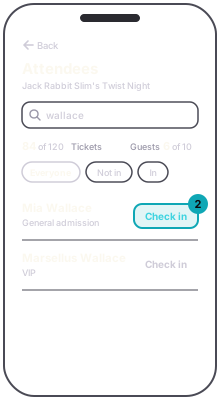
A check-in by name is the same as a scan: the ticket is marked used, the counts update, and the code will not scan again.
AppThe scanner, door mode › Can't scan? Search by nameGuestTurn the phone's brightness up before showing the code.