
Stop an item versus deleting it
Stop takes an item off sale and keeps it. In the app, guests see it greyed as "Not on sale" and cannot add it; on the Menu code's page it is not shown at all. Everything already sold on it stays exactly as it was. Resume and it is back. Run out of a keg, Stop the beer. In the app it is Stop selling in the item's menu, and Resume selling to bring it back; on the dashboard it is the Stop button on the row.
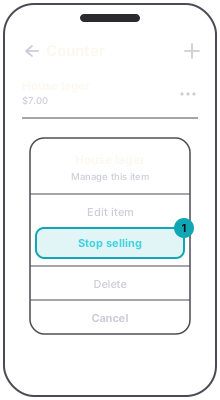
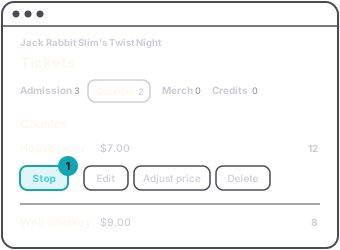
Delete removes the item, and only works while nothing has sold on it. In the app, Delete leaves the item's menu once there is a sale. Once there is a sale, the item is history that other records point at, and the service refuses to delete it: see why can't I delete this tier.
So the habit is: Delete for a mistake you caught straight away, Stop for everything else.