
Stop ticket sales, and start them again
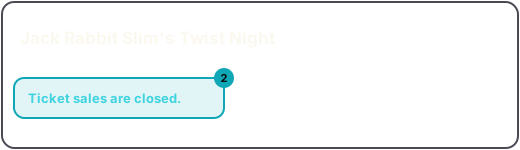
Stop ticket sales closes admission for the whole event: every tier, packages and choose-a-price included. Nobody can buy a ticket; tickets already bought still scan at the door; the counter keeps selling. Press Resume ticket sales to open it again.
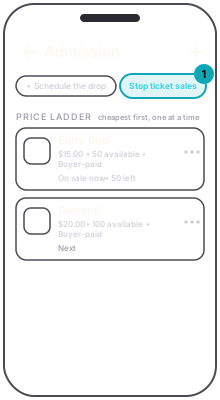
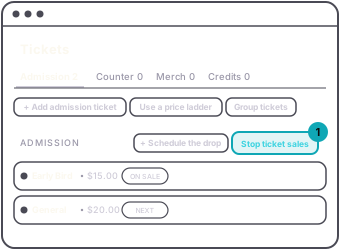
It is one switch for the event, on purpose. Admission does not pause tier by tier, because a paused rung in a ladder is a confusing thing for a buyer to look at. To close the tier that is on sale now, use Skip to next on it; it ends that rung and opens the next.
On the dashboard the button is hidden while a drop is scheduled, because nothing is on sale yet.
Counter items are the other way round: each one has its own Stop, and the app's Counter screen also has a Counter Open / Counter Closed control that stops every drink and credit item at once. See stop an item versus deleting it.